Structure with Folders
Organise chats into logical folders and break up large chunks of content in a minimal design.
Features
Long conversations are hard to work with as a single block. Duplicate a chat when you want to keep a backup or explore a variation of the same thread, or split a long chat into smaller sections that are easier to analyse one by one.
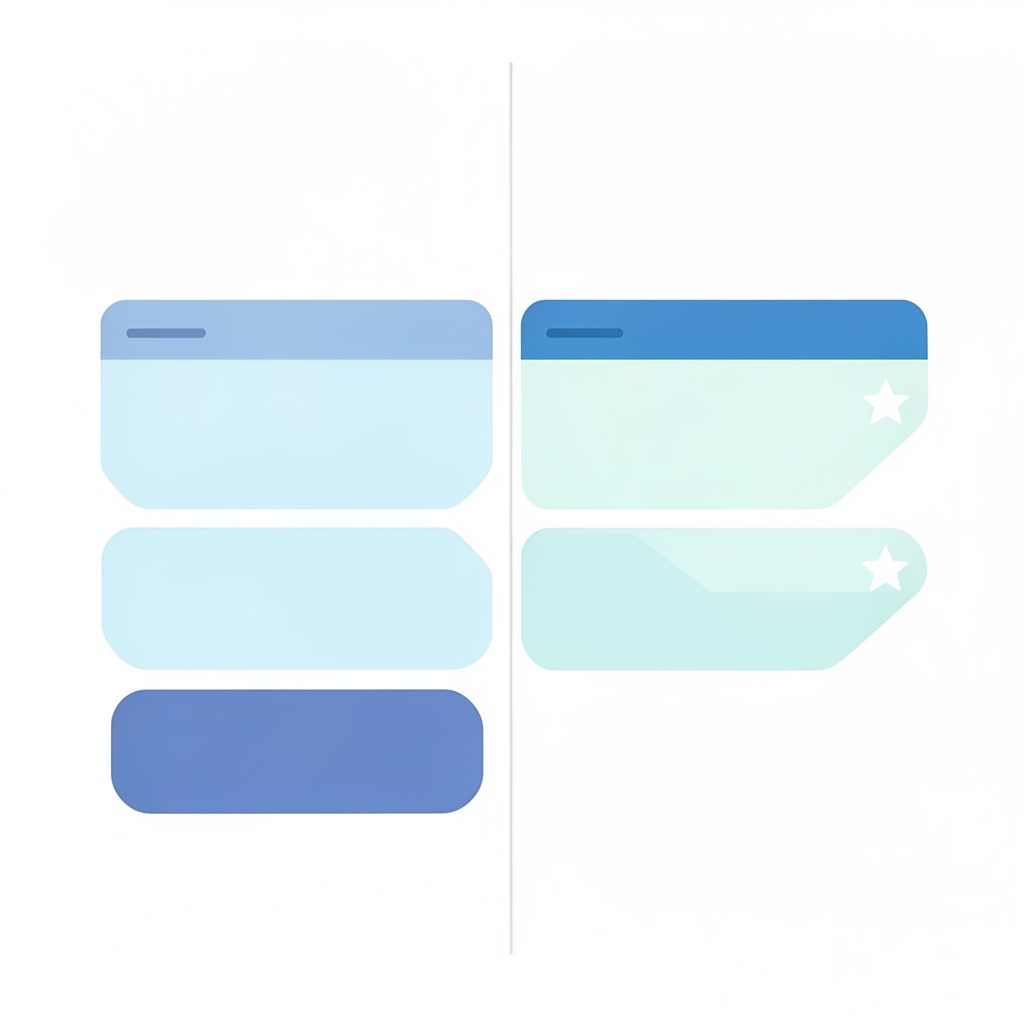
Create a copy of an existing chat whenever you need a backup of the thread or a variation of it. The duplicate keeps the same content, so you can experiment with a new direction without losing the original.
Long ChatGPT threads often become unwieldy walls of content that are difficult to navigate, and that is exactly the problem this app was built to solve. Instead of treating a conversation as one indivisible block, you can highlight and format text and break large chunks into smaller, more digestible pieces. Duplicate and split are two complementary ways to keep that material manageable: duplicating creates a copy of an existing chat so you can keep a backup or explore a variation of the same thread, while splitting divides a long chat into separate sections you can analyse one at a time. Both approaches preserve the original content, so you can experiment with new directions, reorganise a brainstorm, or isolate an email draft without losing the source material.
For professionals and busy teams, restructuring conversations is a practical way to stay focused and productive rather than losing context in a scrolling transcript. Duplicate a conversation before rewording it, split one into manageable sections when you need to compare ideas, then continue refining prompts and adjusting settings such as temperature and model choice. The result is a cleaner workspace where folders, tags, search, and filters help you reach the right exchange quickly, and where the ideas you generated earlier remain available for generating social media posts, marketing copy, or structured business materials. Minimal design and generous spacing keep the interface calm even when your library of chats grows.
When a conversation grows past the point where it is comfortable to read in one pass, split it into smaller, manageable pieces. Each section holds part of the original exchange, which makes it far easier to focus on the part you actually need.
Breaking a chat into sections improves how you work with your history. Long threads stop being a wall of content, and each part can be read, edited and referenced on its own.
Organise chats into logical folders and break up large chunks of content in a minimal design.
Advanced search helps you find the best parts of a conversation without endless scrolling.
Highlight and format text inside your chats so conversations are easier to digest.